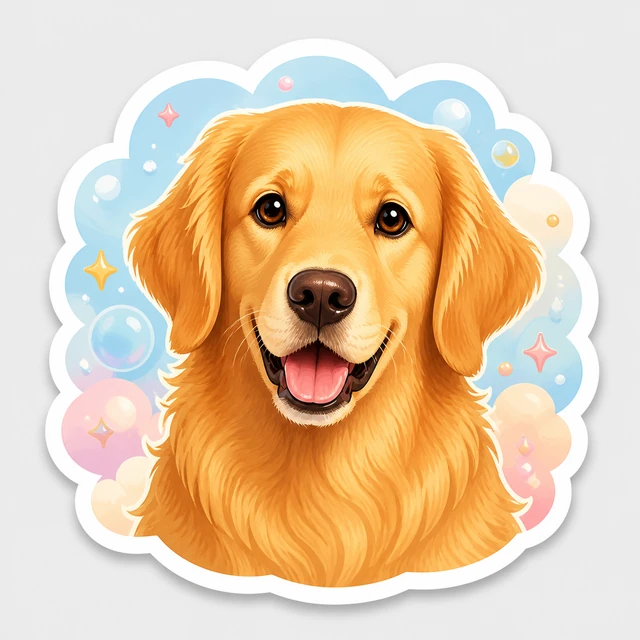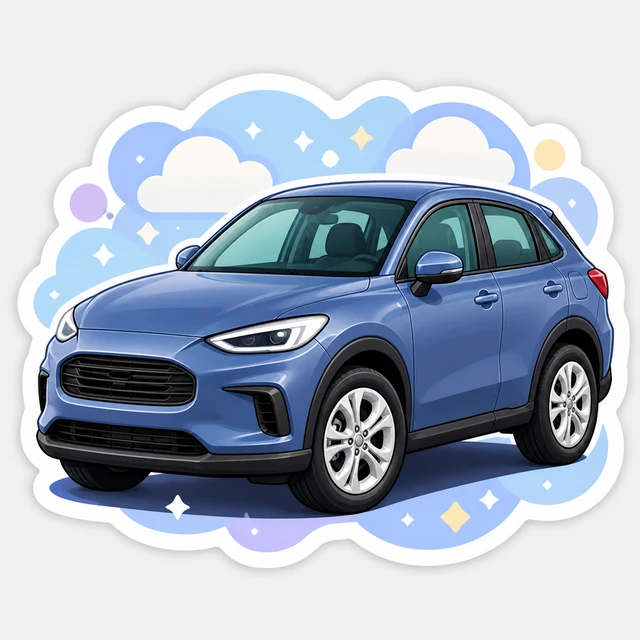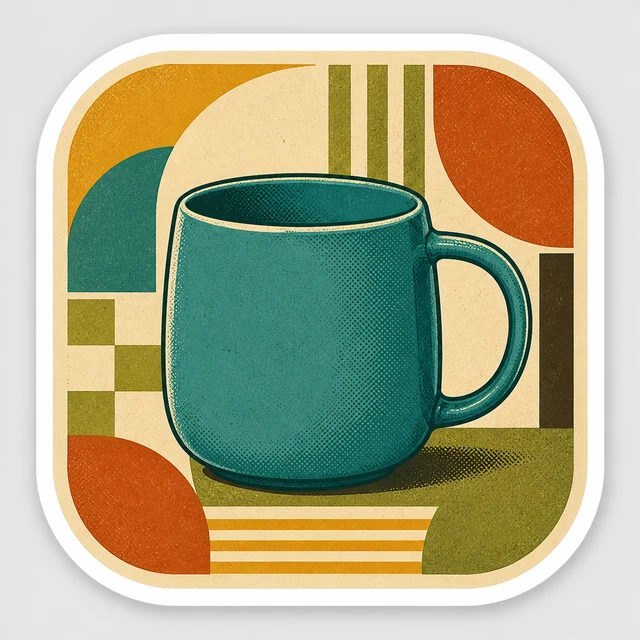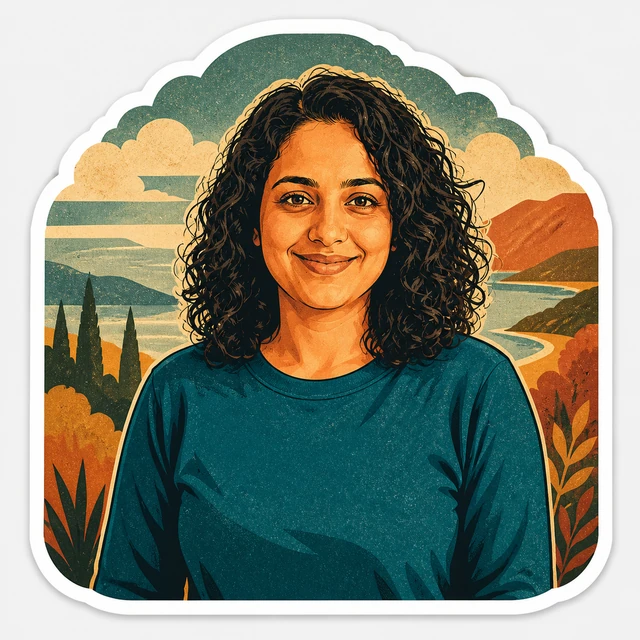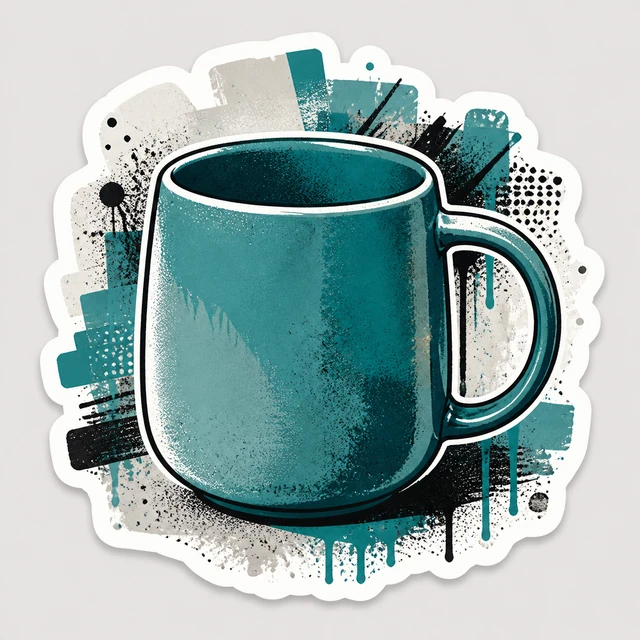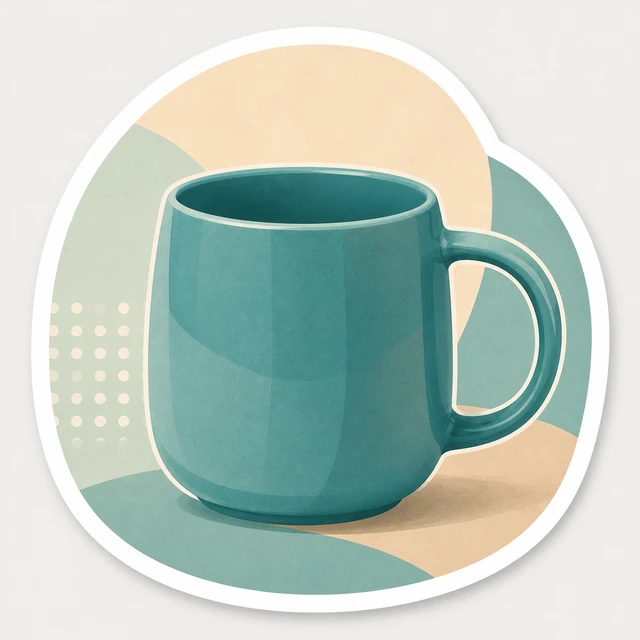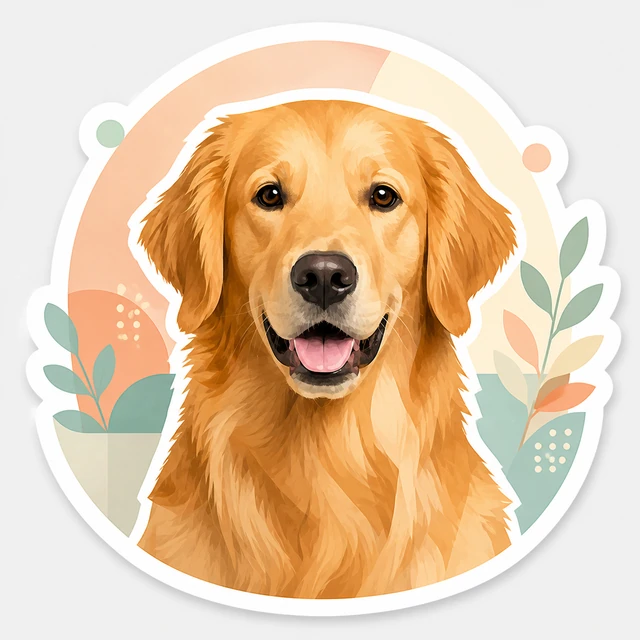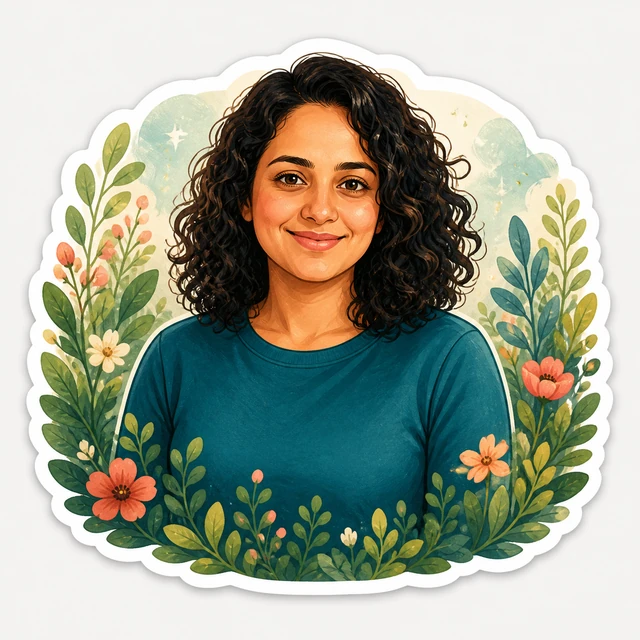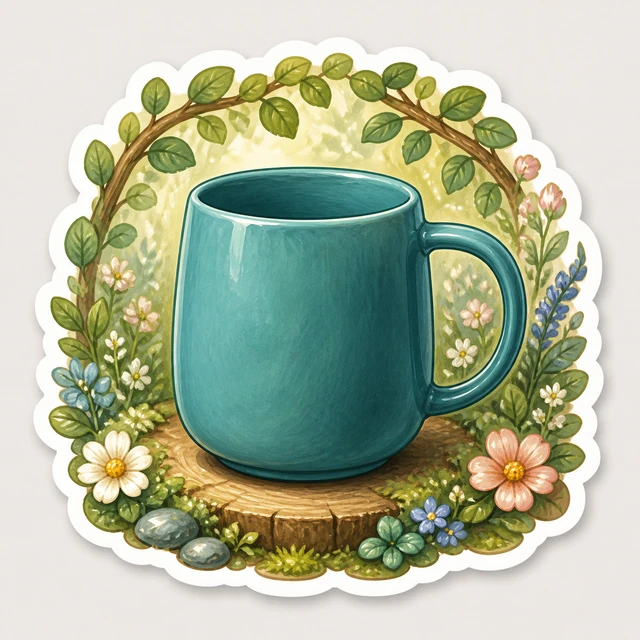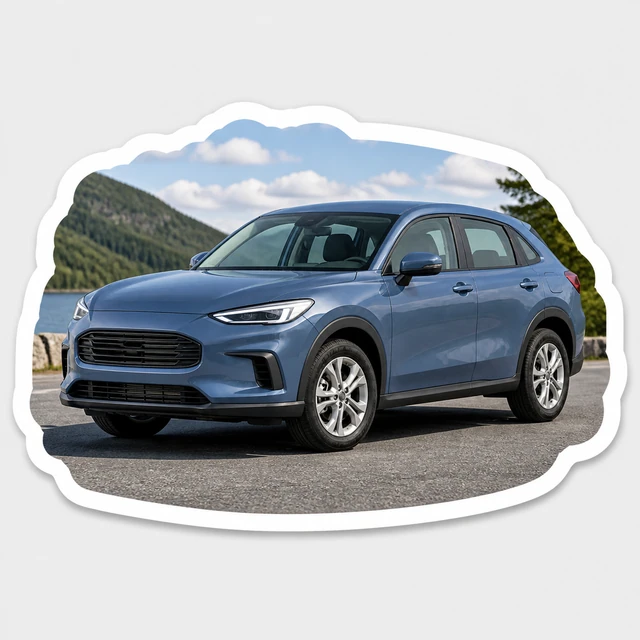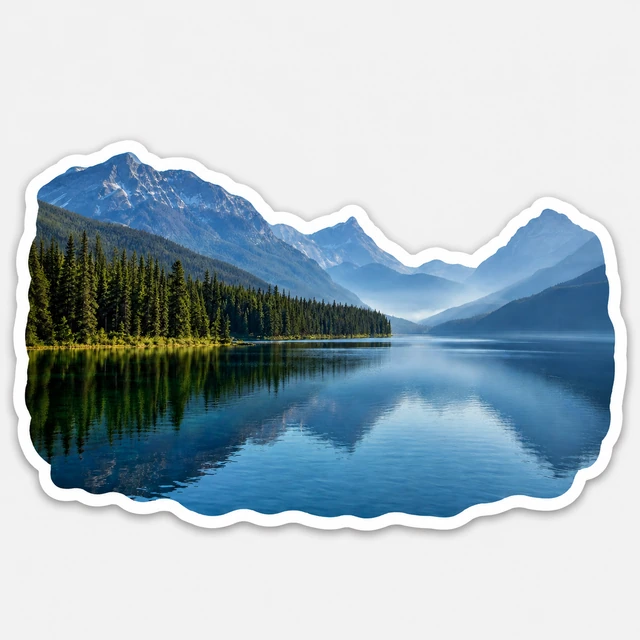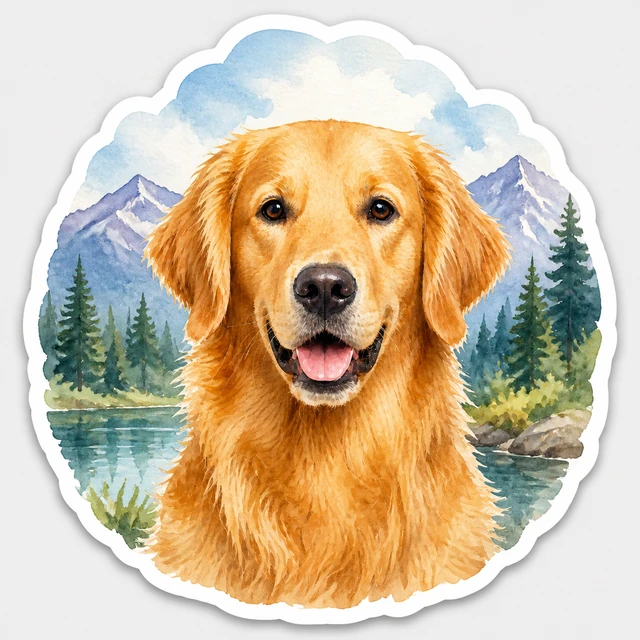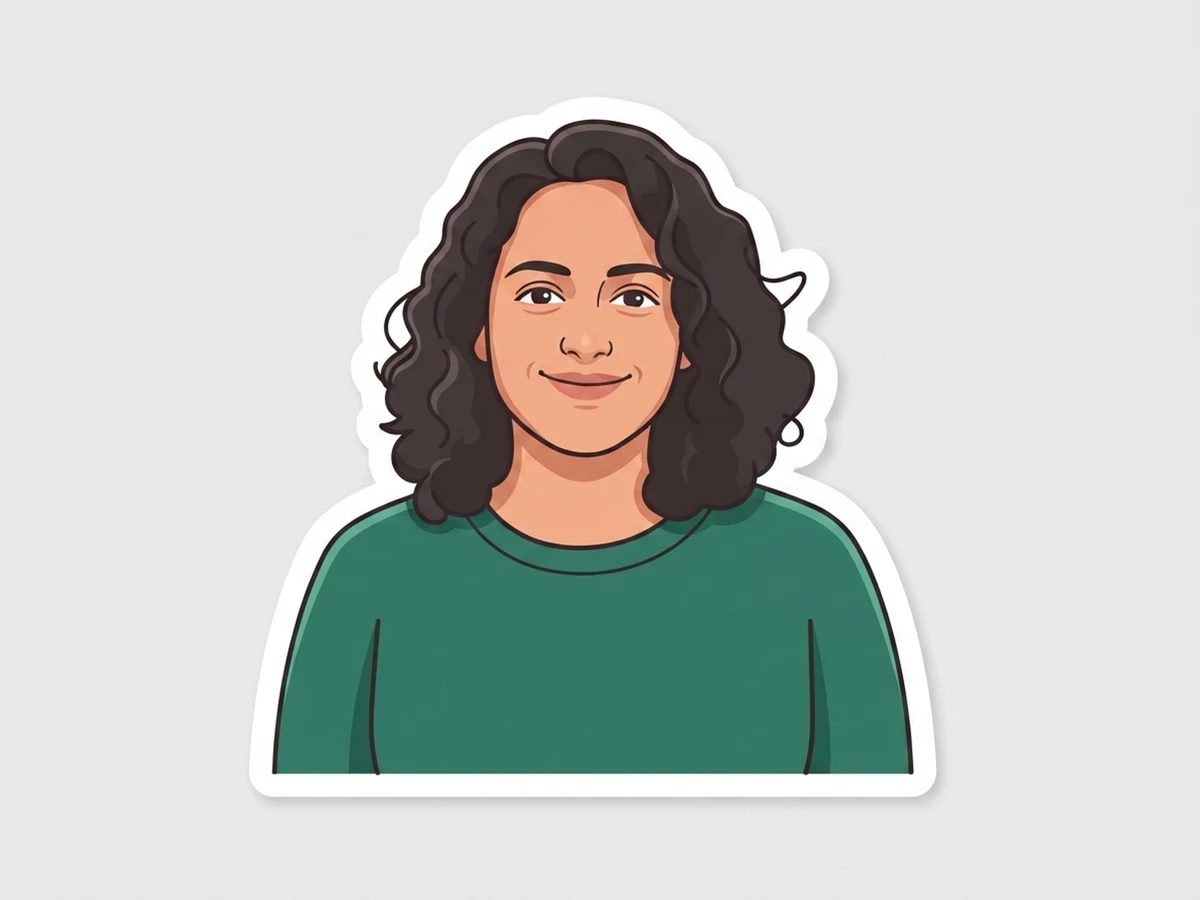

Crisp shapes, balanced color, and a clean sticker edge.
Best for: Everyday portraits and gifts
Ready
 AI Sticker Studio Create · preview · make it yoursFree private preview
Describe an idea, combine images, or transform a photo. Your private watermarked preview is free.
Custom Direction
Start with words, one image, or several images you want combined. Preset styles are optional and available below.
Up to 4 JPG, PNG, or WEBP images · 10 MB each. Only upload images you own or have permission to use. Your prompt and exact source images stay private. Free preview · No payment required.
Optional source photo
Add one clear image to transform with a preset style. Uploading never starts generation.
Preset styles
Add a source photo to explore all 16 styles.
Crisp shapes, balanced color, and a clean sticker edge.
Best for: Everyday portraits and gifts
Ready
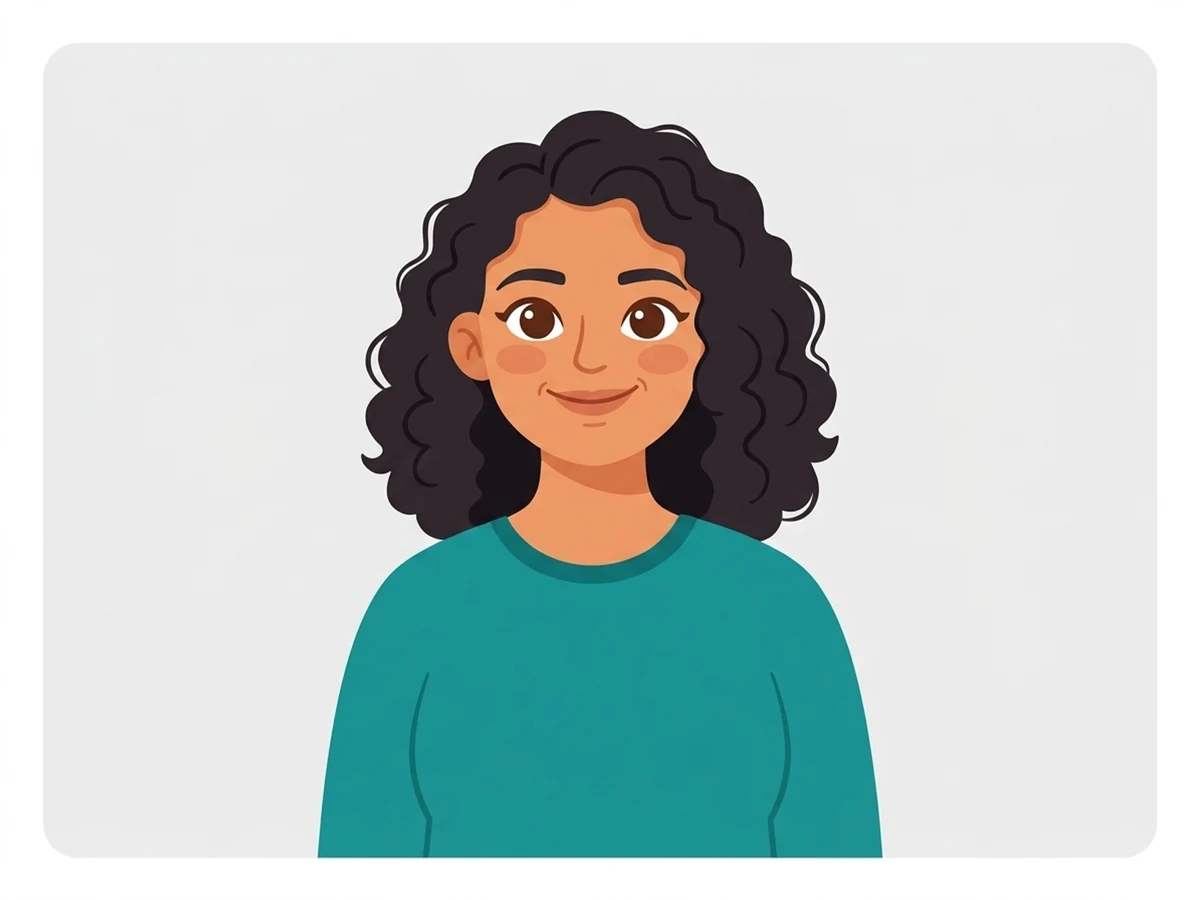
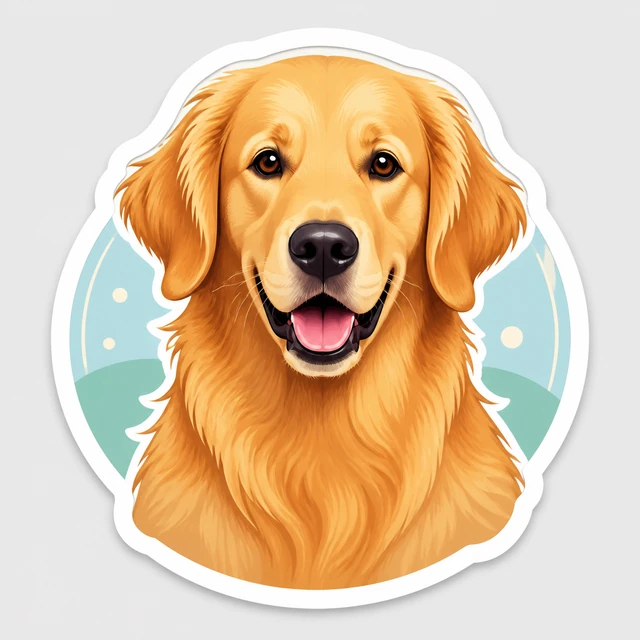
An original, friendly character treatment with soft proportions.
Best for: Playful pets and people
Ready
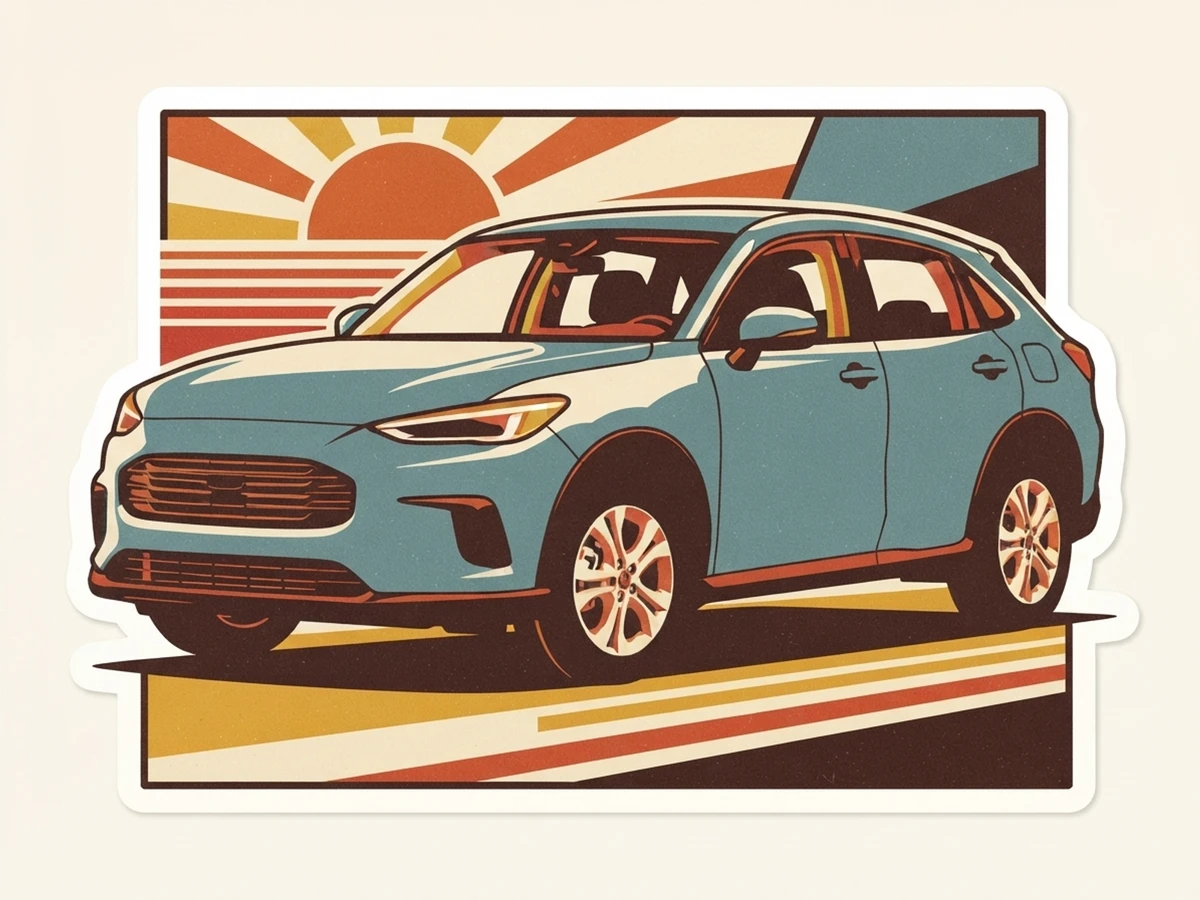
Warm vintage color and a practical printed-label feel.
Best for: Classic decal collections
Ready
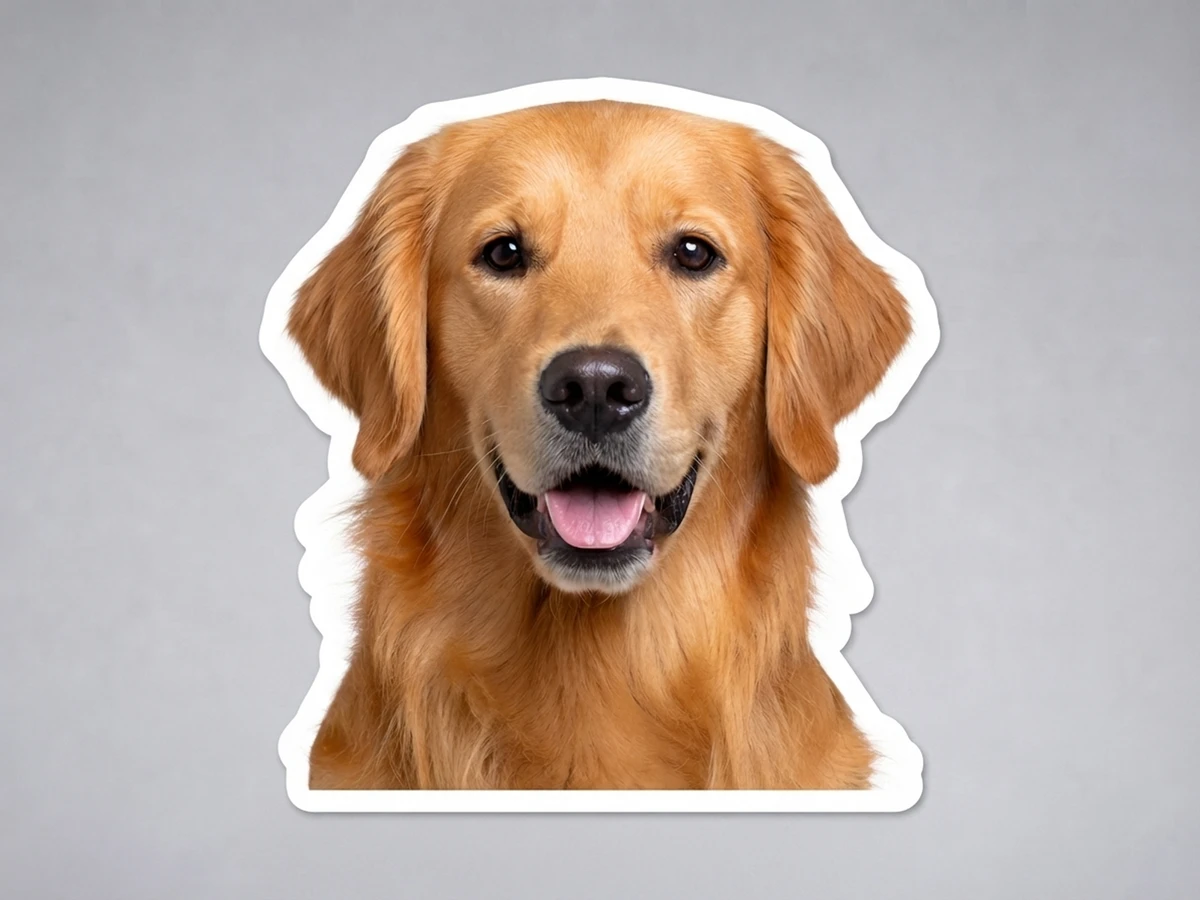
A friendly portrait direction for an authorized pet photo.
Best for: Natural pet portraits
Ready
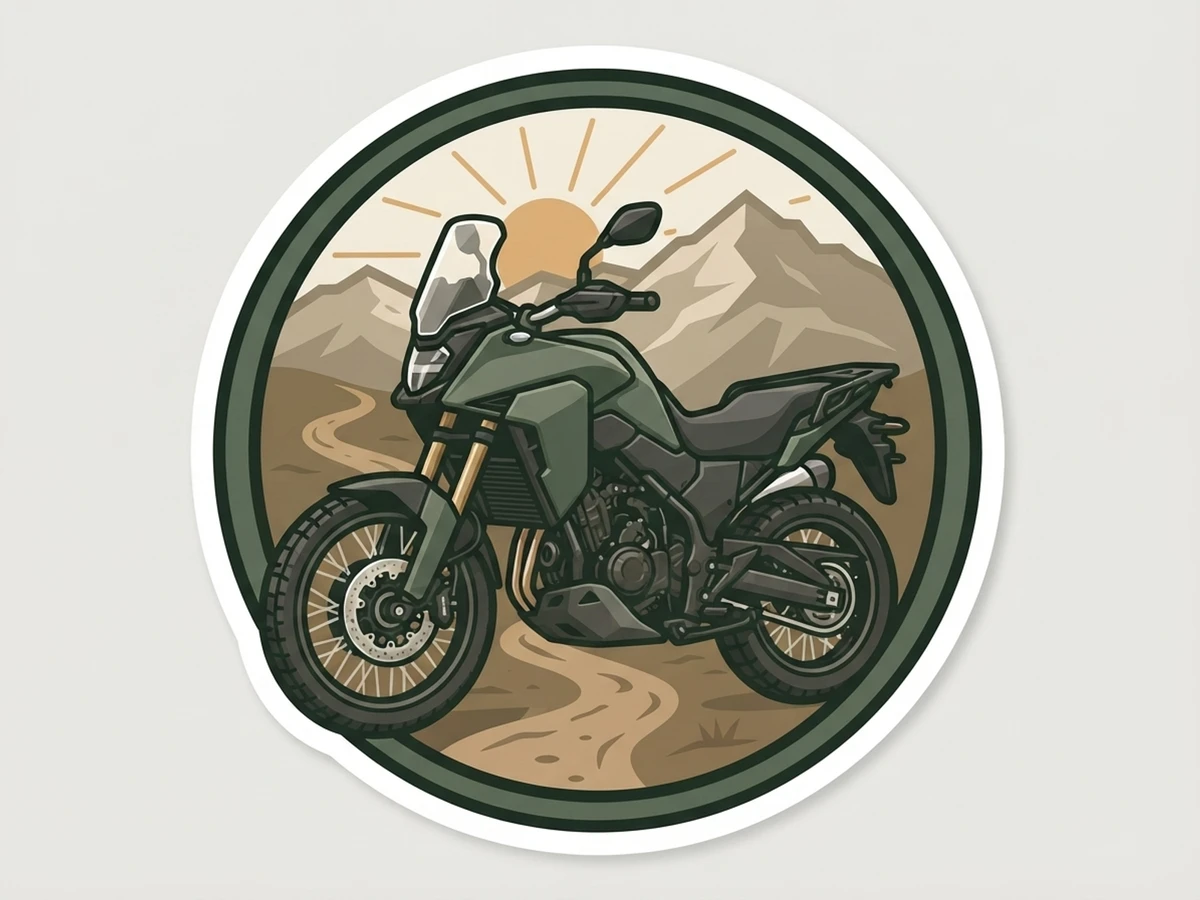
A sturdy patch-inspired layout for riders, gear, and outdoor use.
Best for: Riders, gear, and outdoor use
Ready
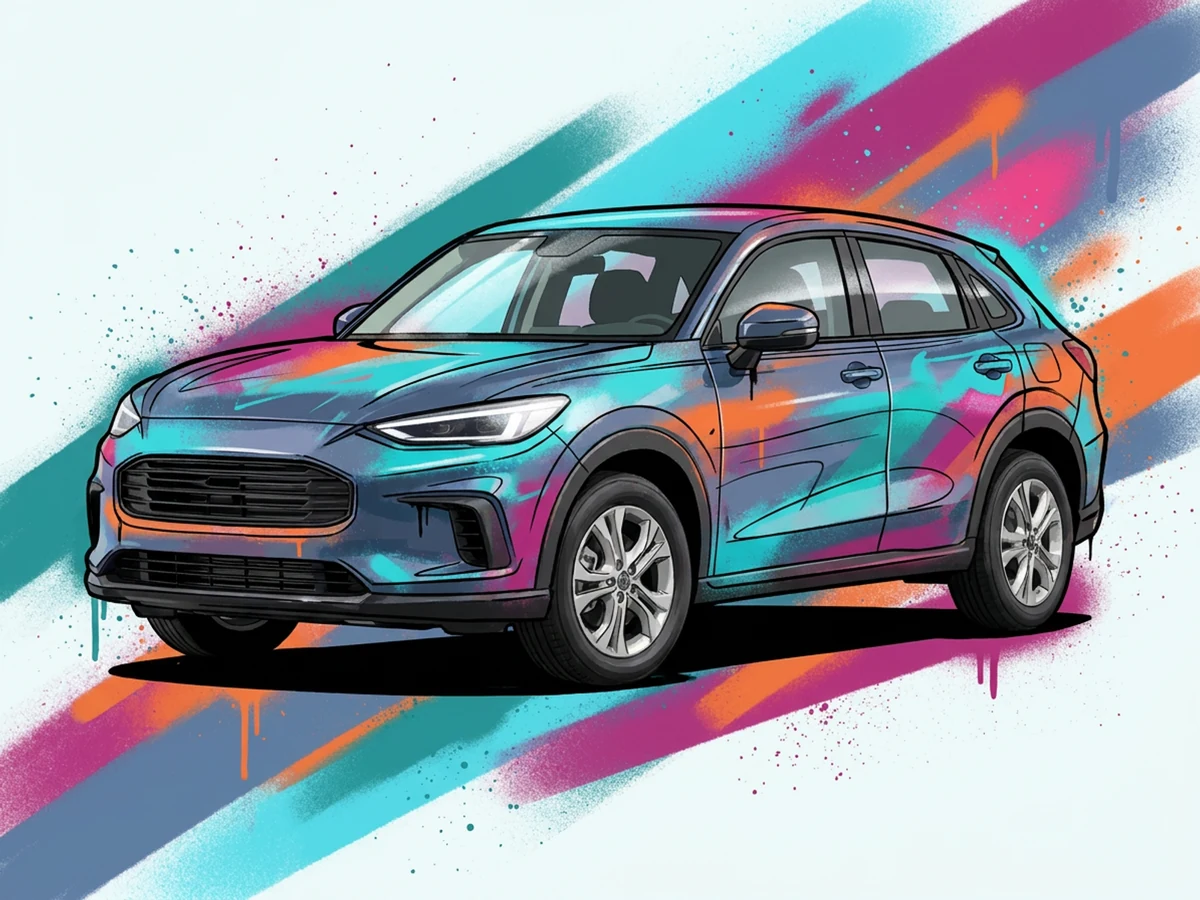
Bold hand-drawn contours, neon contrast, and energetic geometric color.
Best for: High-energy graphic portraits
Ready

Soft pastel character styling with cheerful generic geometric decorations.
Best for: Gentle, decorative keepsakes
Ready
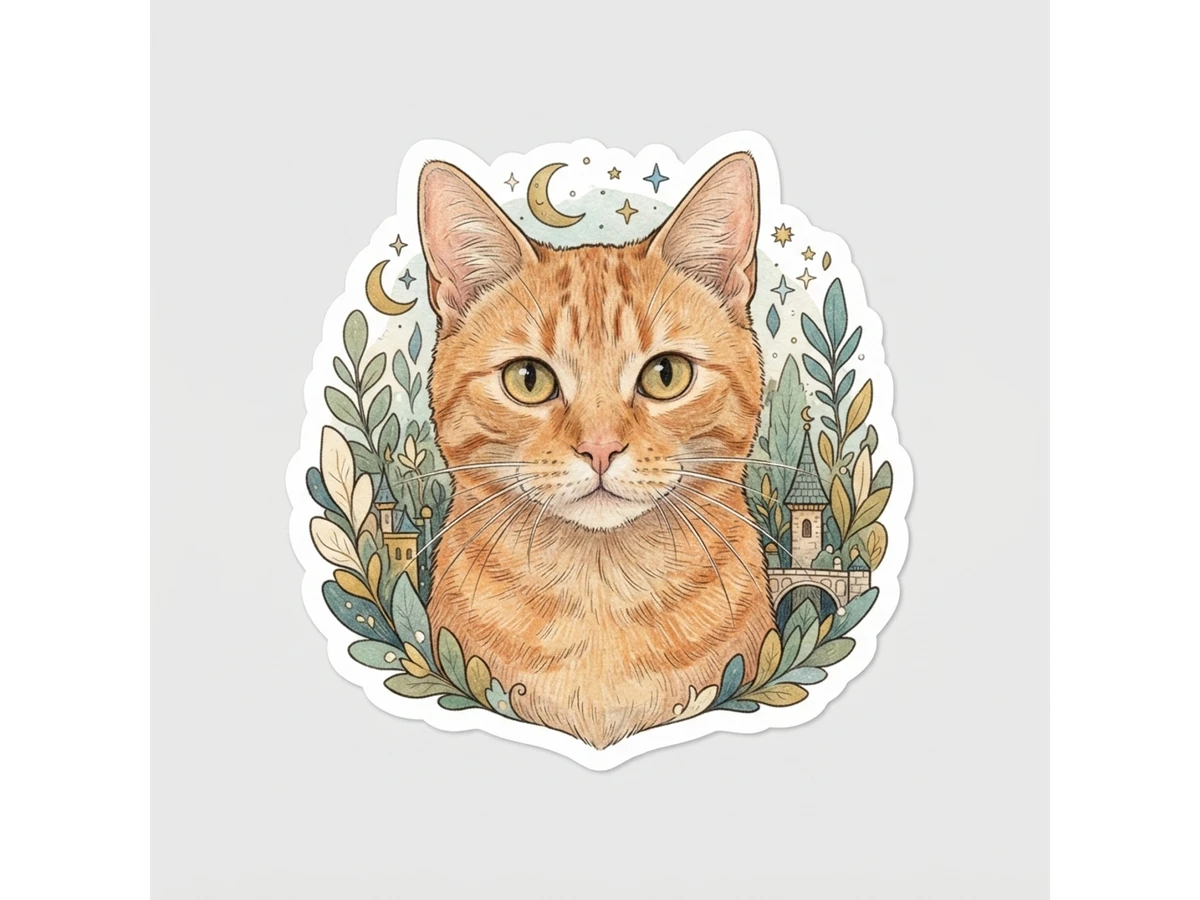
Colored-pencil detail, fine lines, and a handmade storybook atmosphere.
Best for: Dreamy narrative portraits
Ready
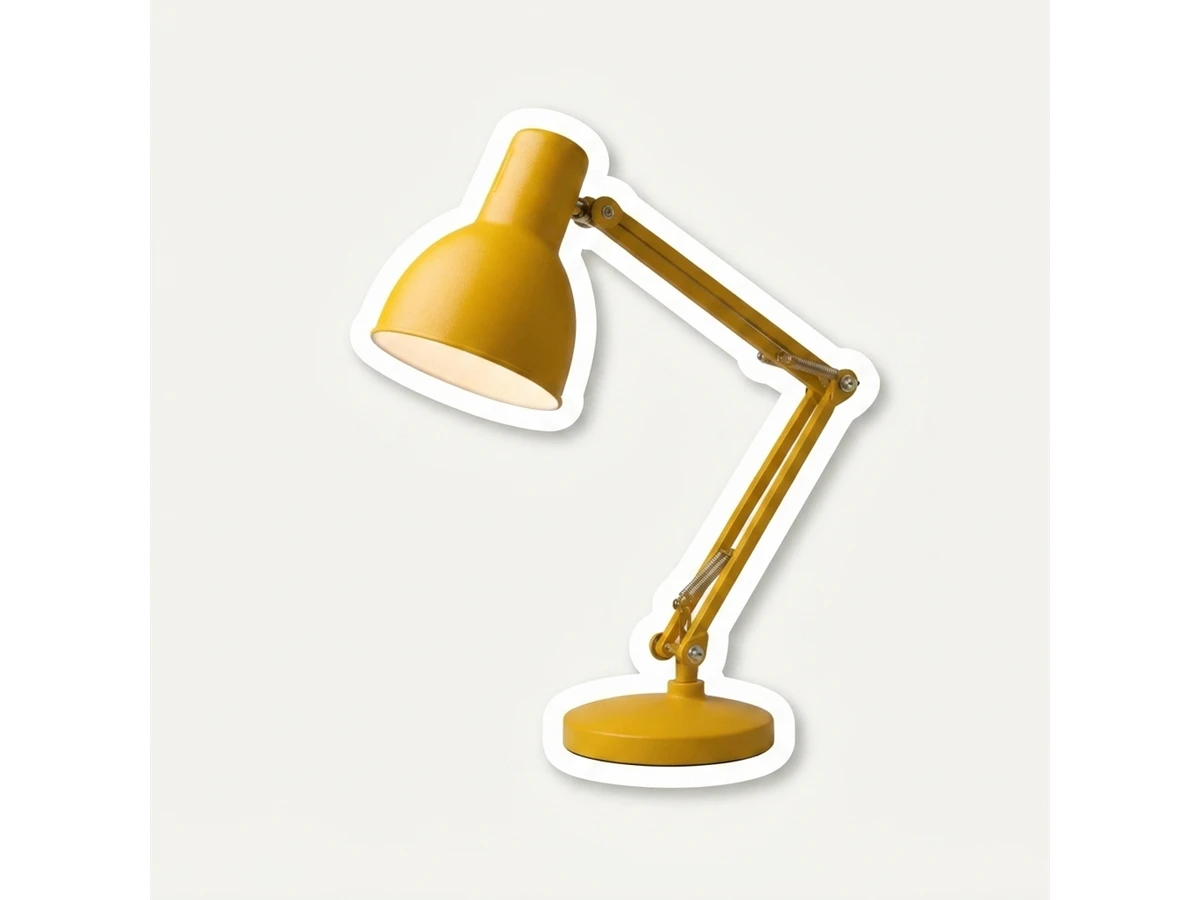
Natural photographic detail with a precise cut-out and clean white edge.
Best for: True-to-photo portraits
Ready
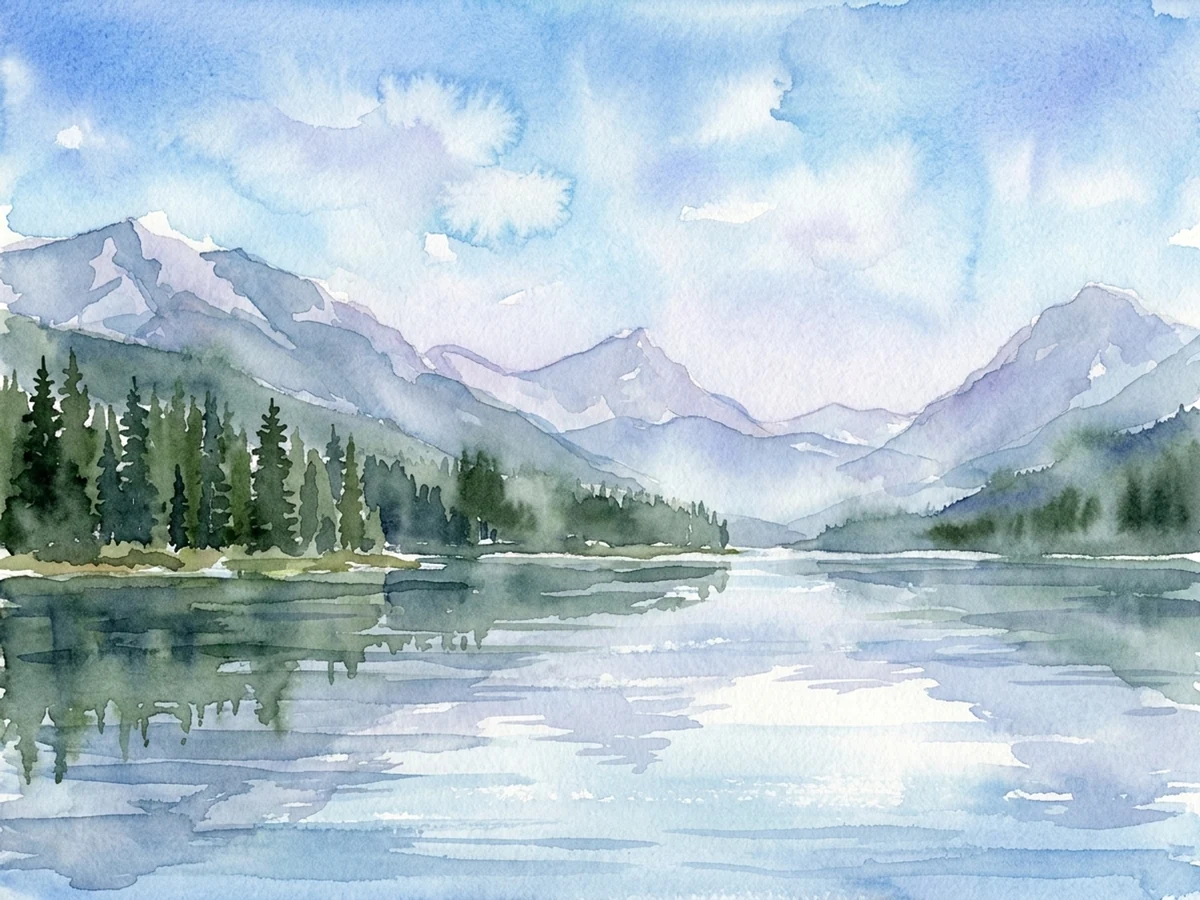
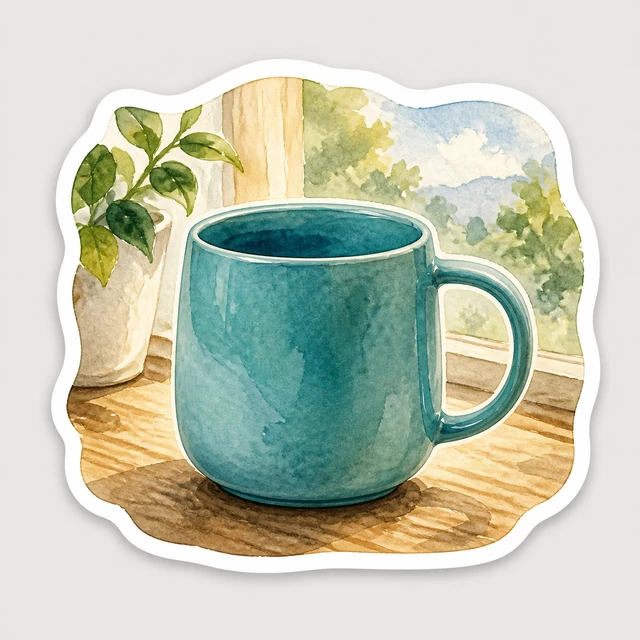
Transparent washes, paper texture, and gentle landscape depth.
Best for: Mountain, lake, forest, city-light, and natural scenes
Ready
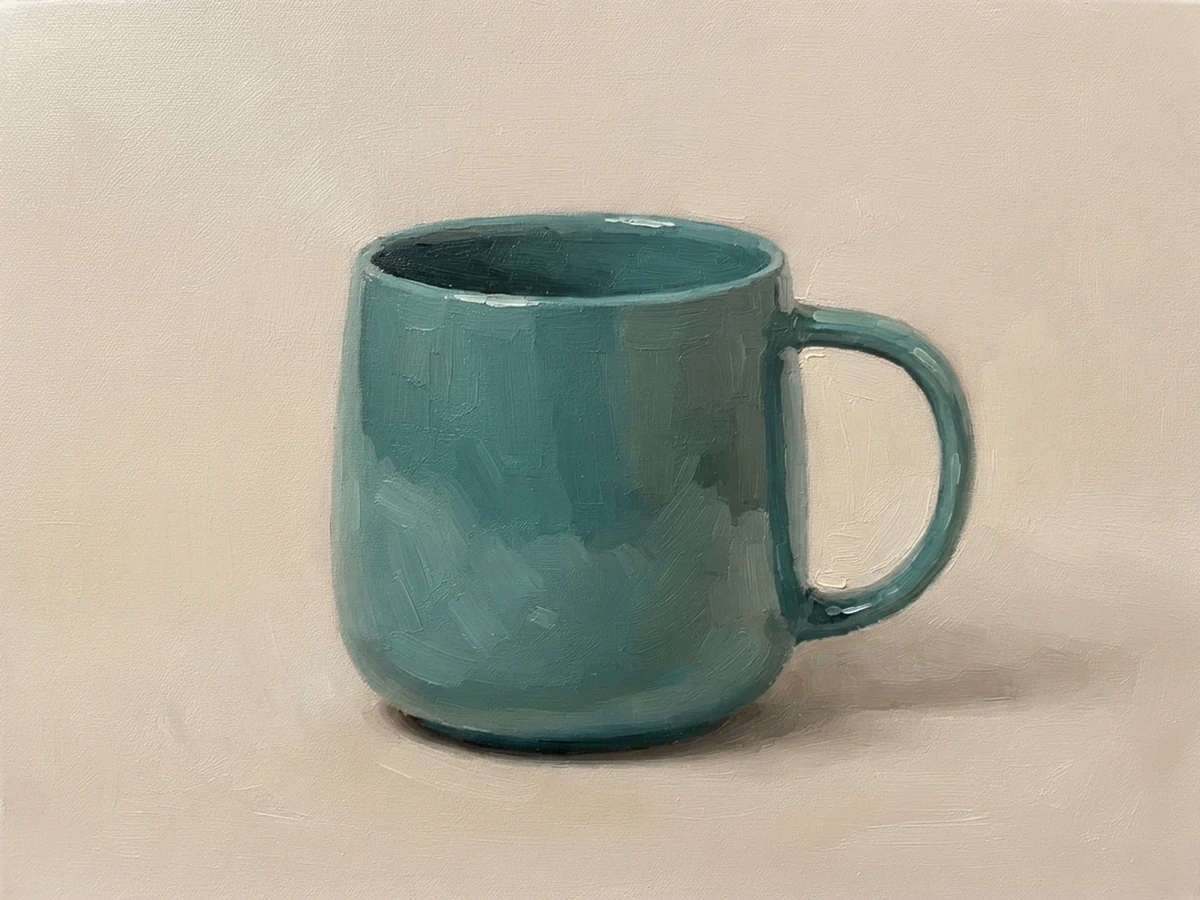
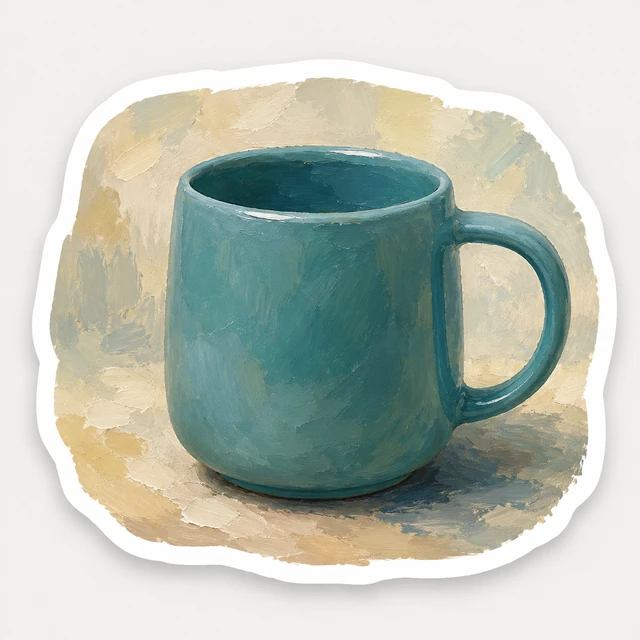
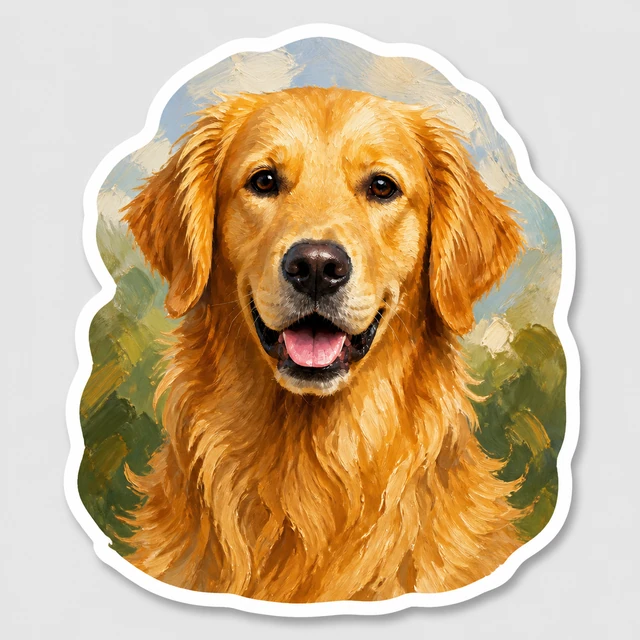
Visible brushwork, layered color, and a traditional painted finish.
Best for: Still life, people, pets, landscapes, and animals
Ready
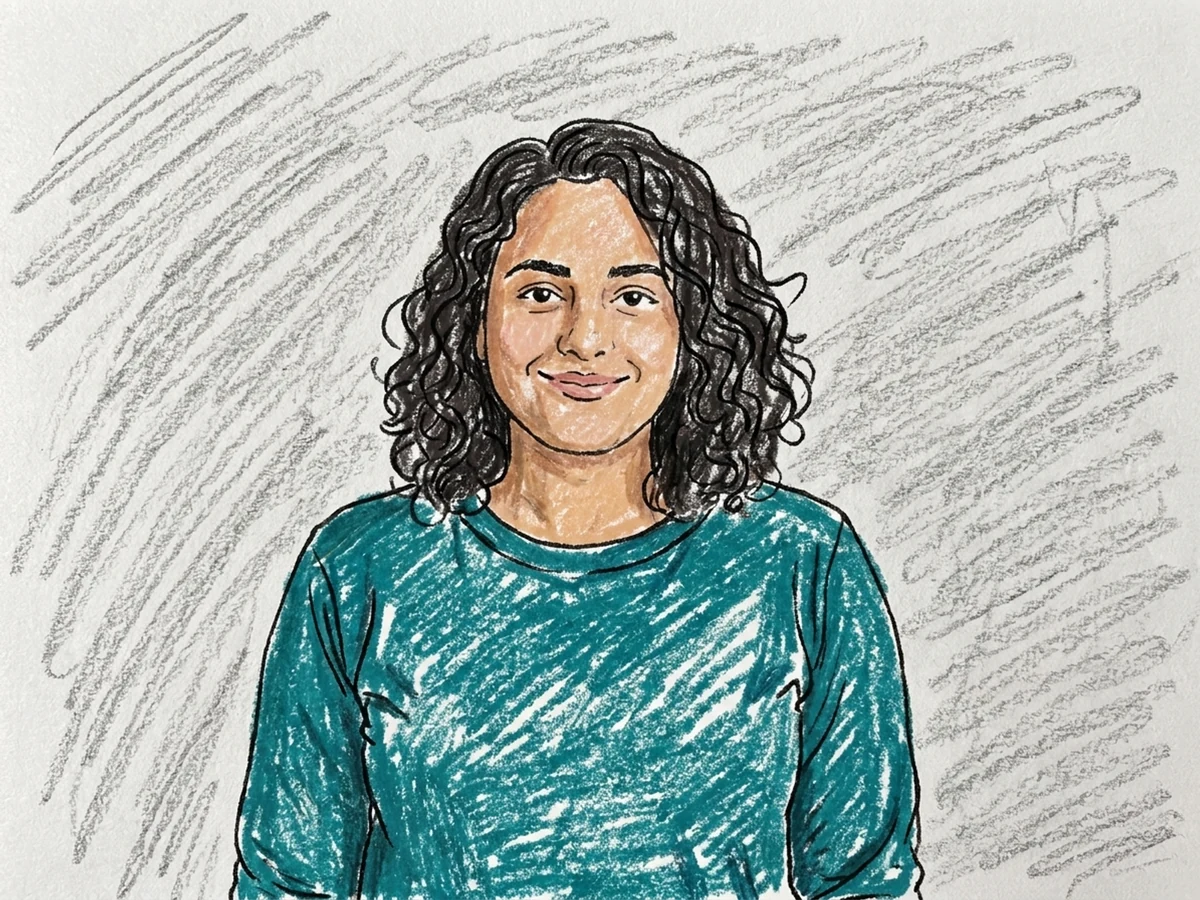
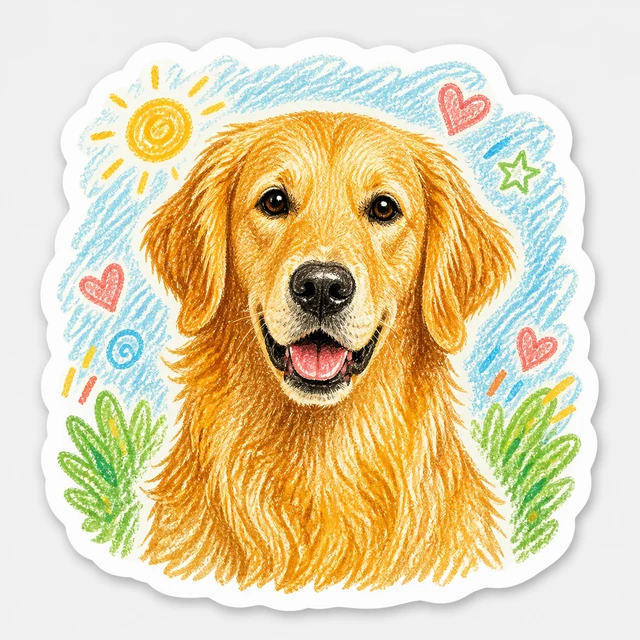
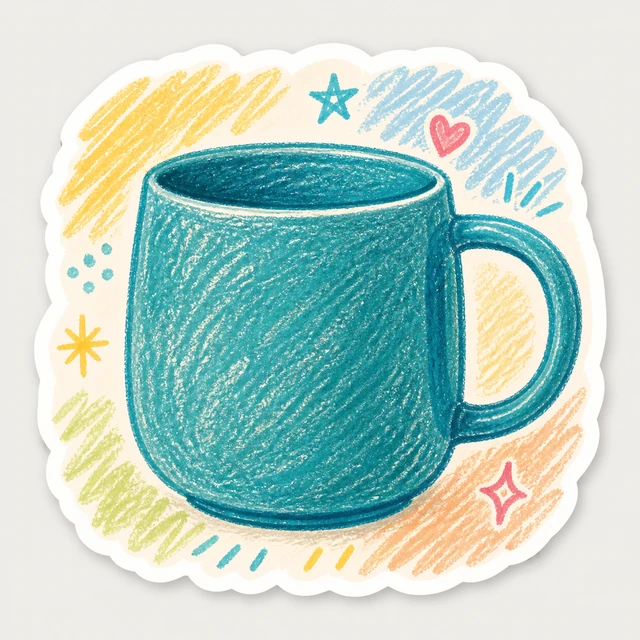
Visible crayon texture, playful hand-drawn shapes, and clear identity.
Best for: People, pets, and simple scenes
Ready
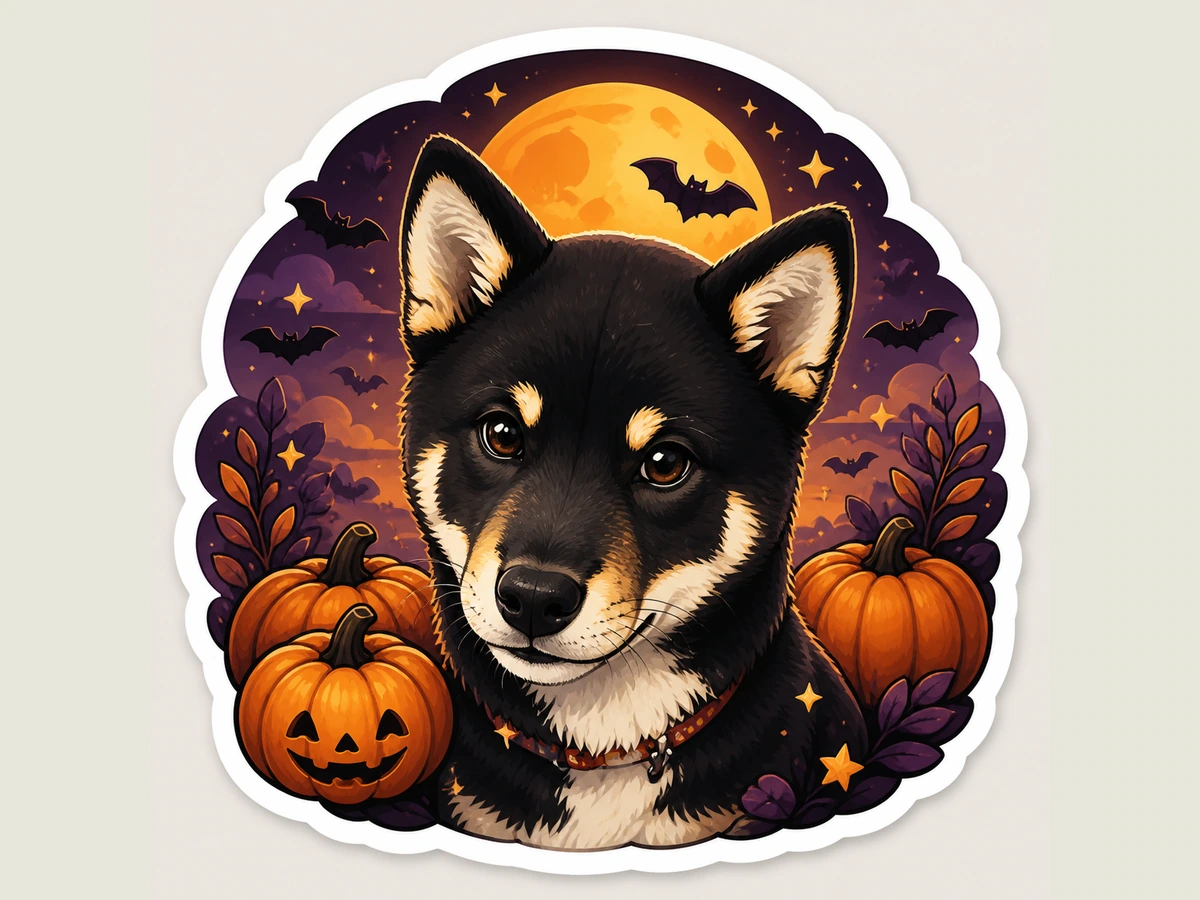
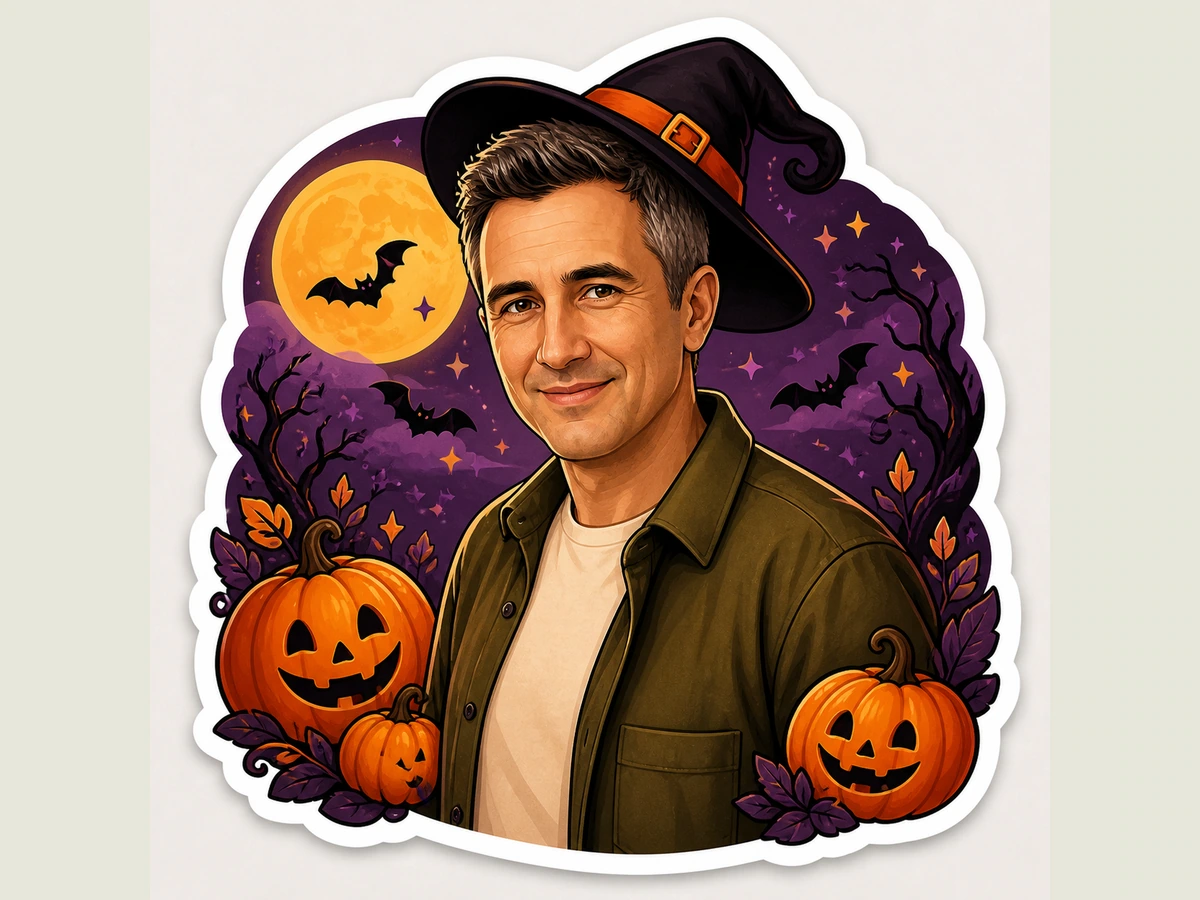
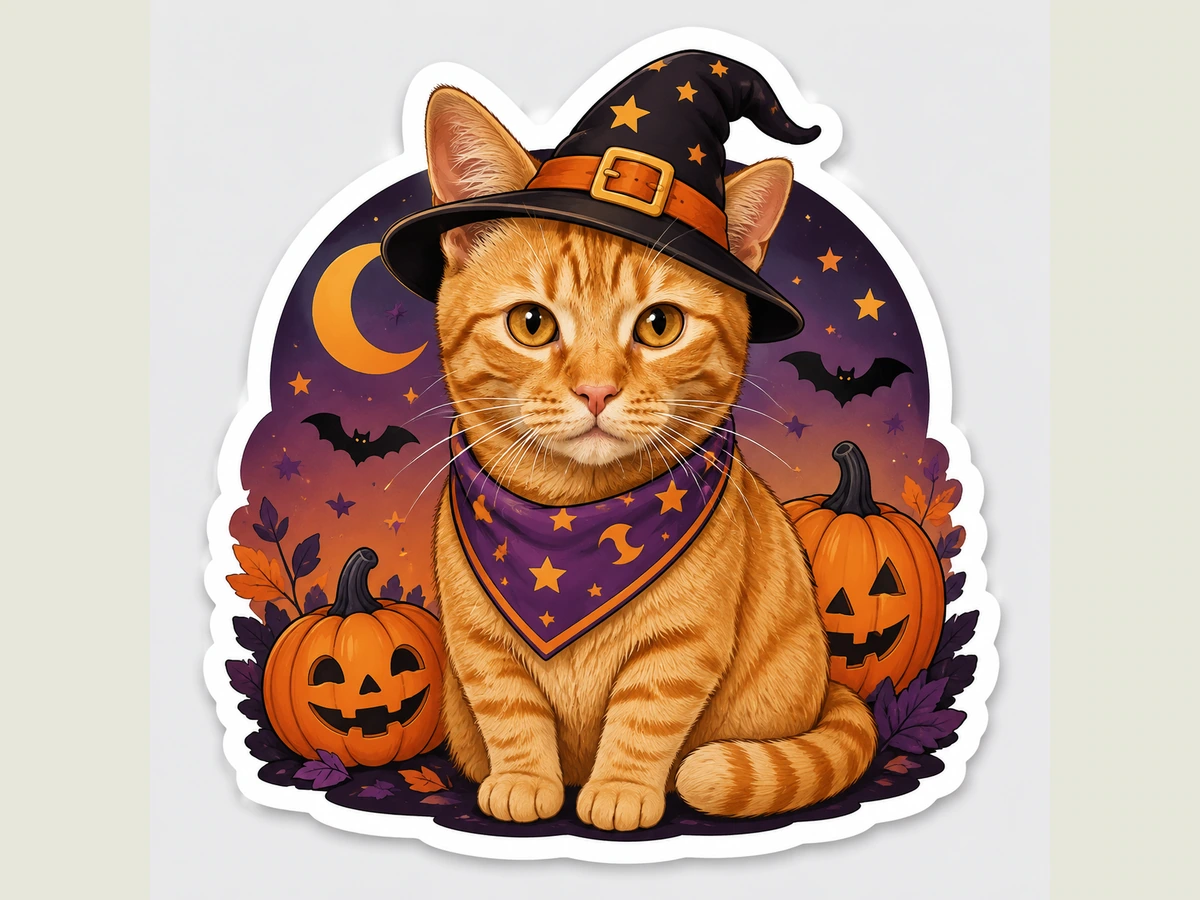
Friendly spooky details in an orange, purple, and black seasonal palette.
Best for: Pets, costumes & seasonal portraits
Ready
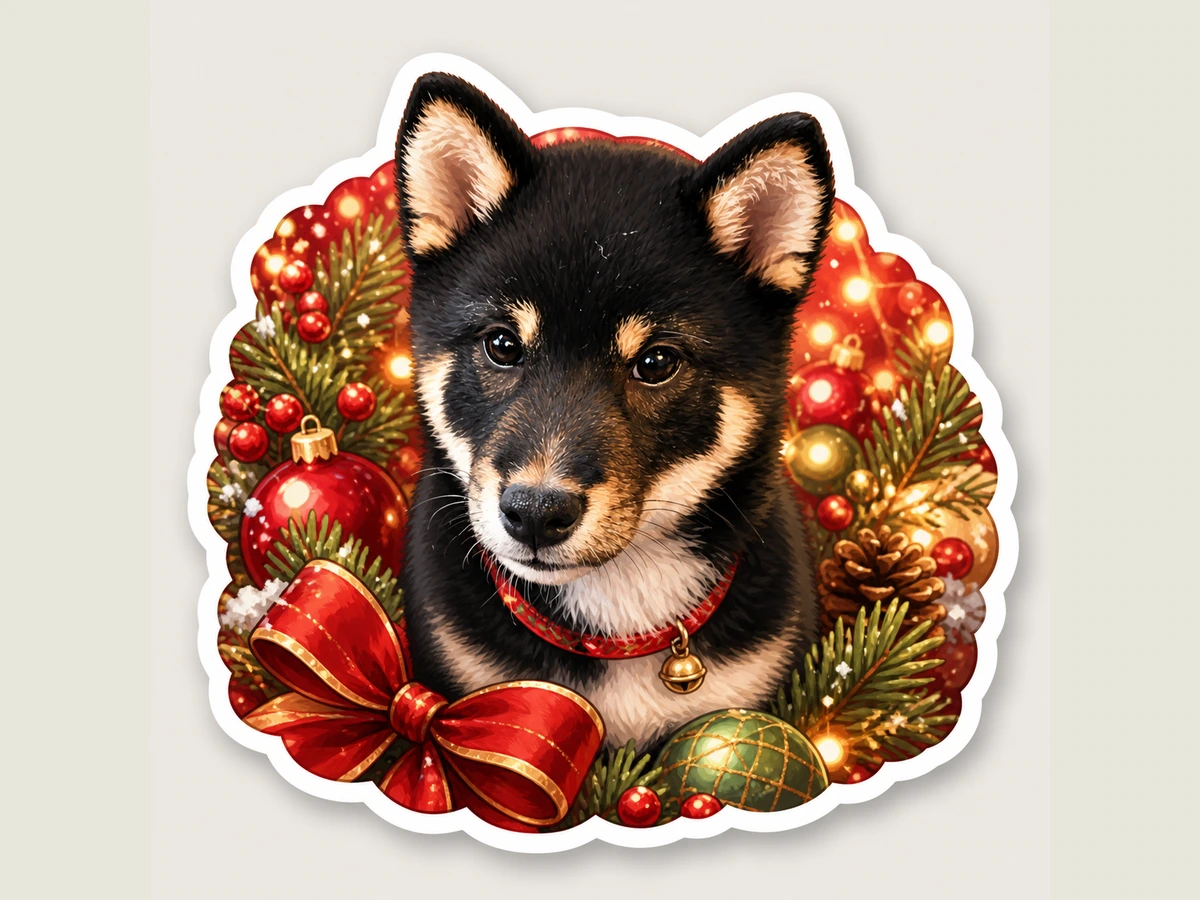
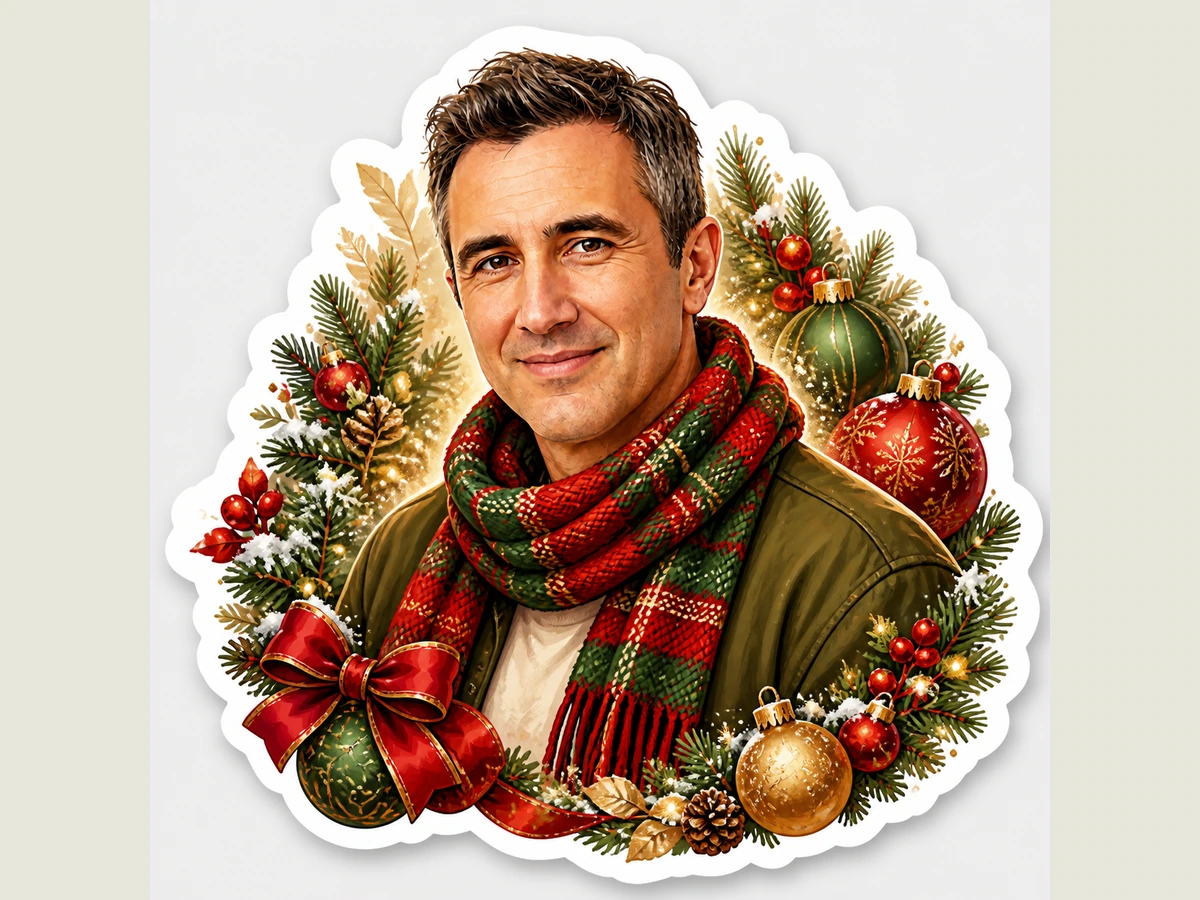
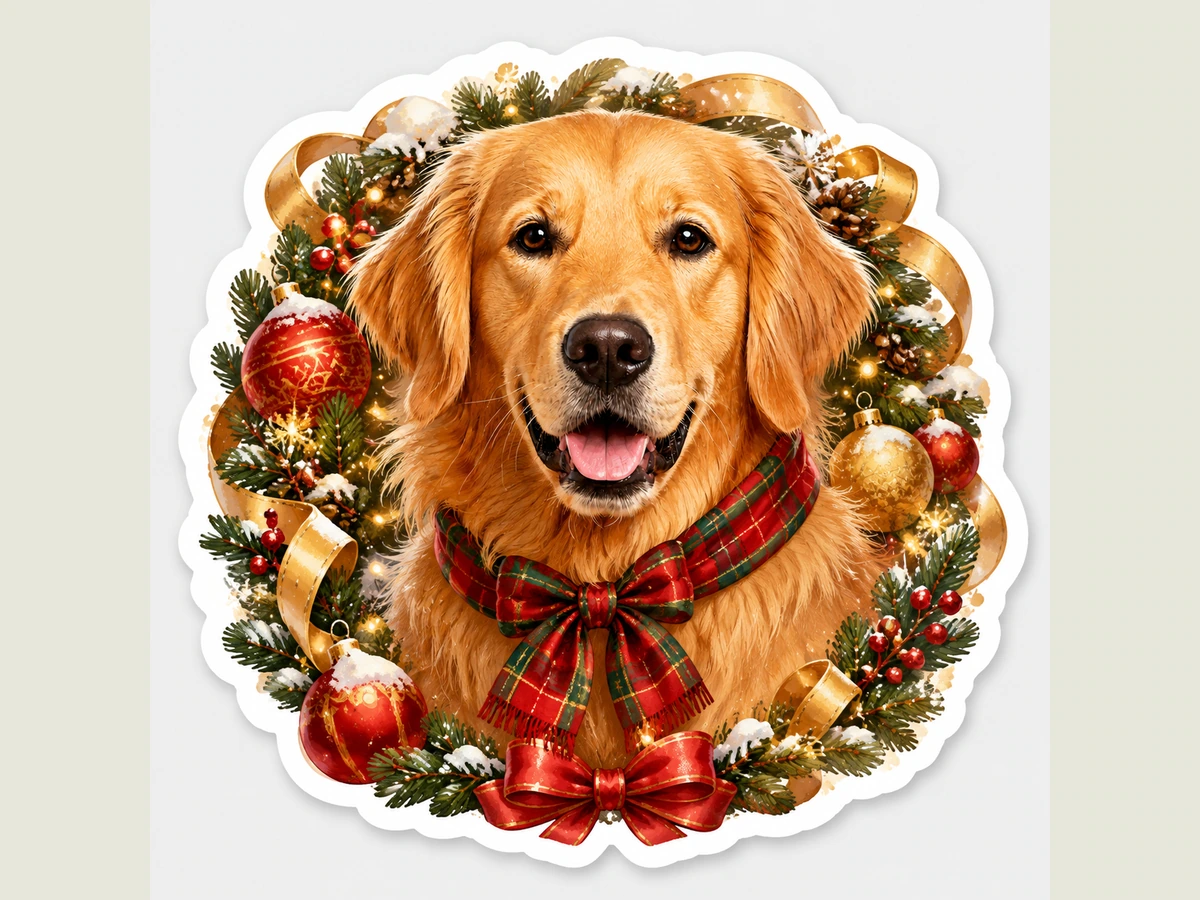
Cozy holiday accents with snow, ribbons, and warm festive color.
Best for: Pets, families & holiday portraits
Ready
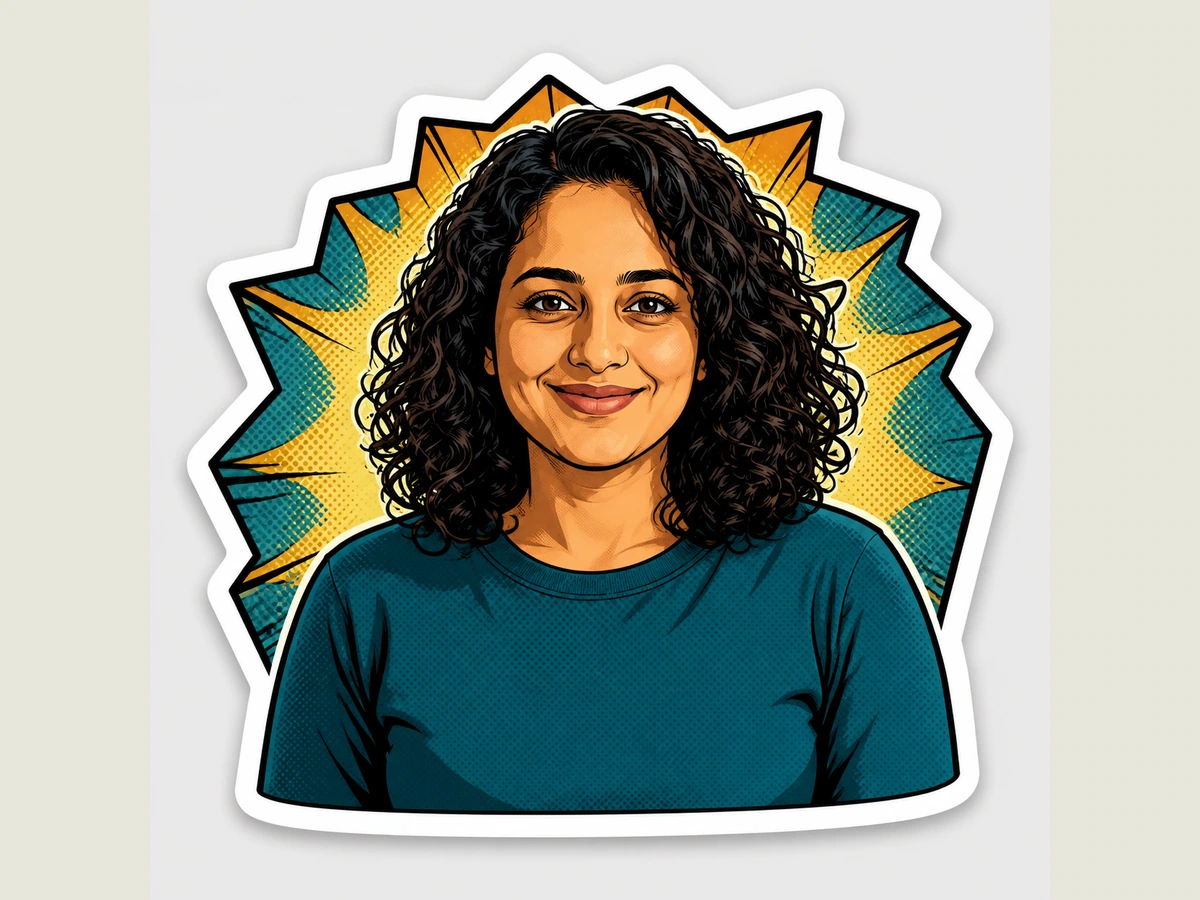
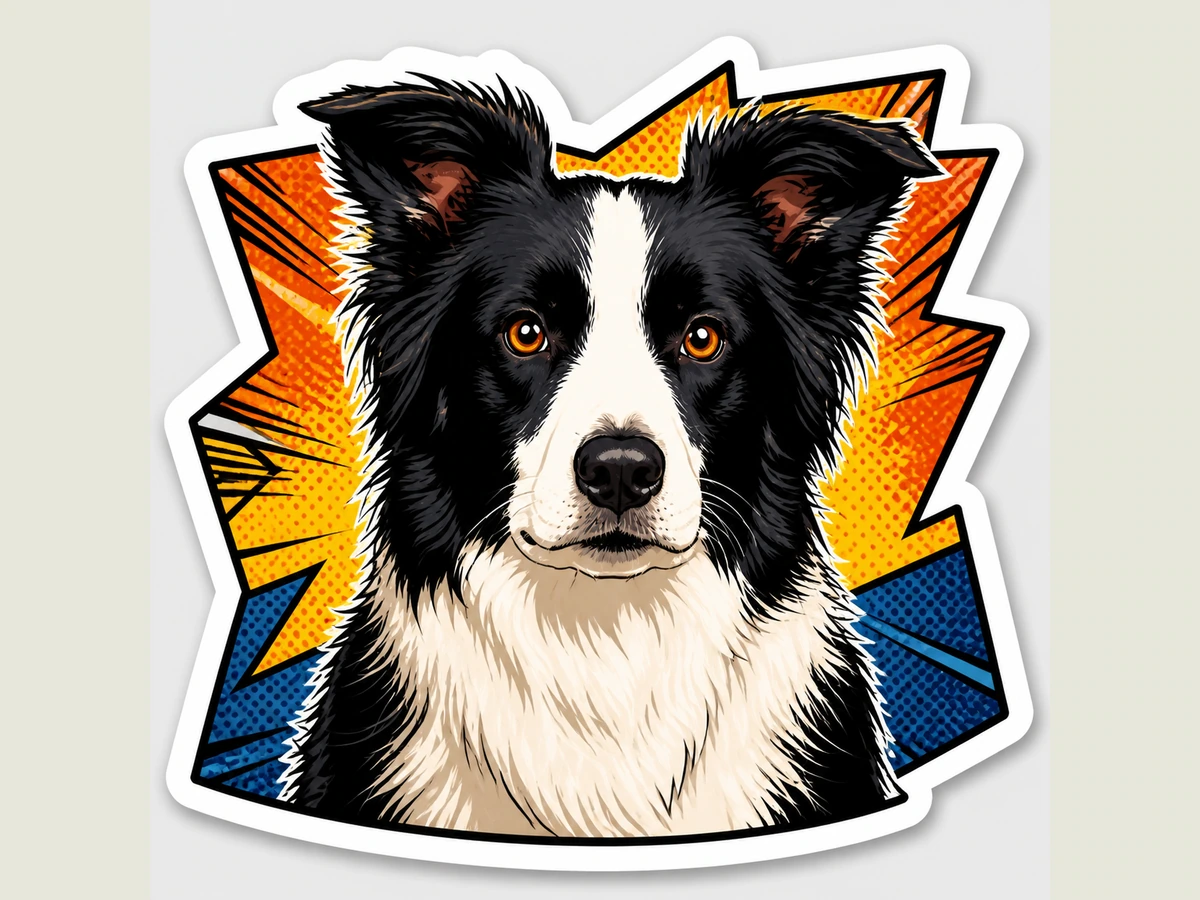
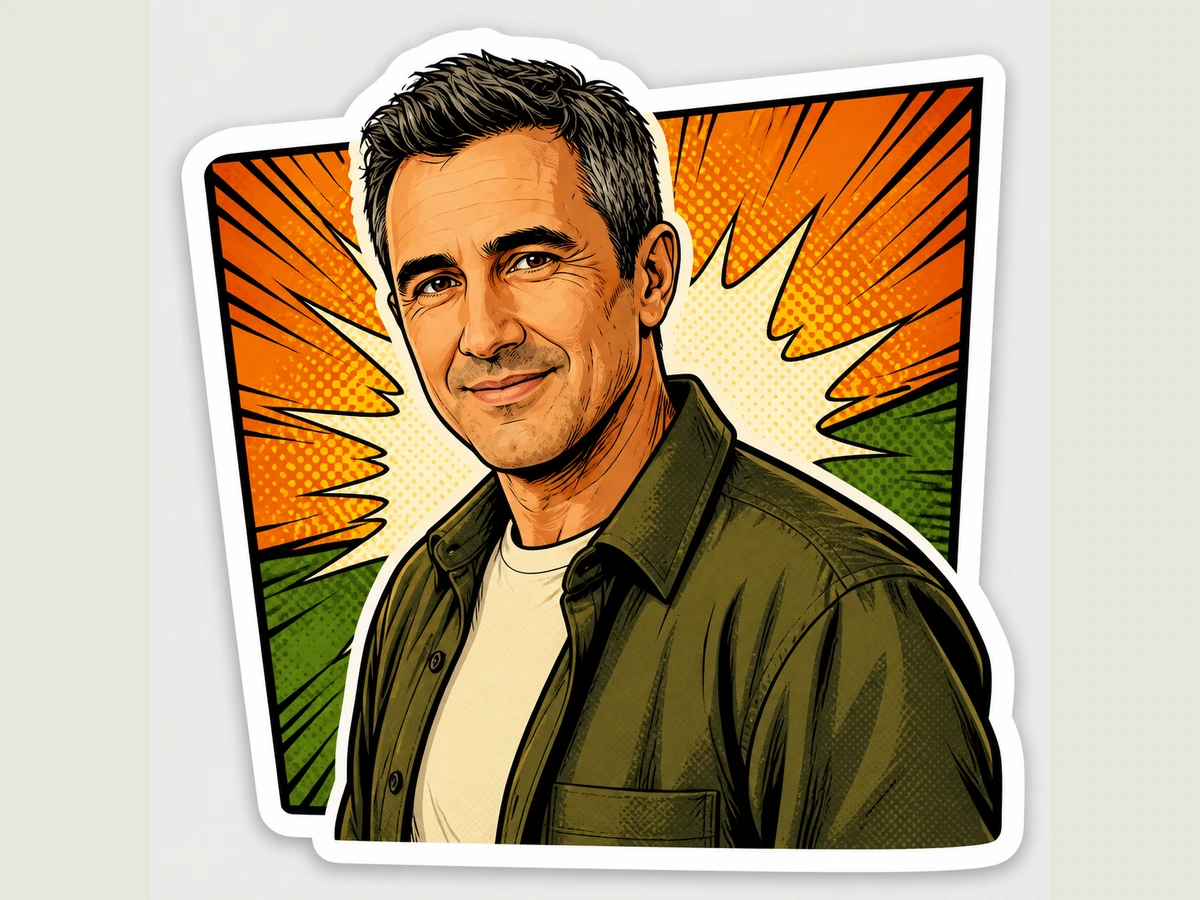
Bold outlines, halftone shading, and energetic poster-like contrast.
Best for: Portraits, cars, motorcycles & action shots
Ready
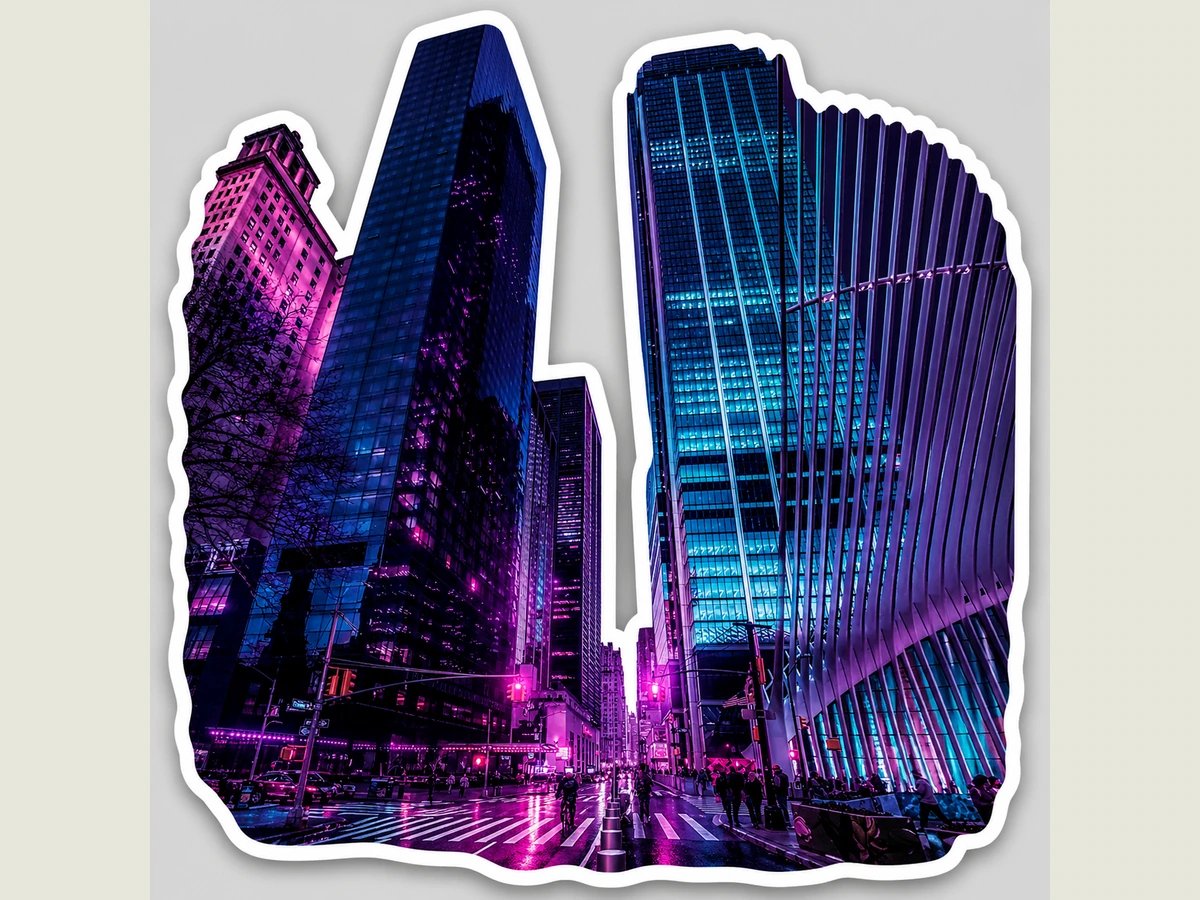
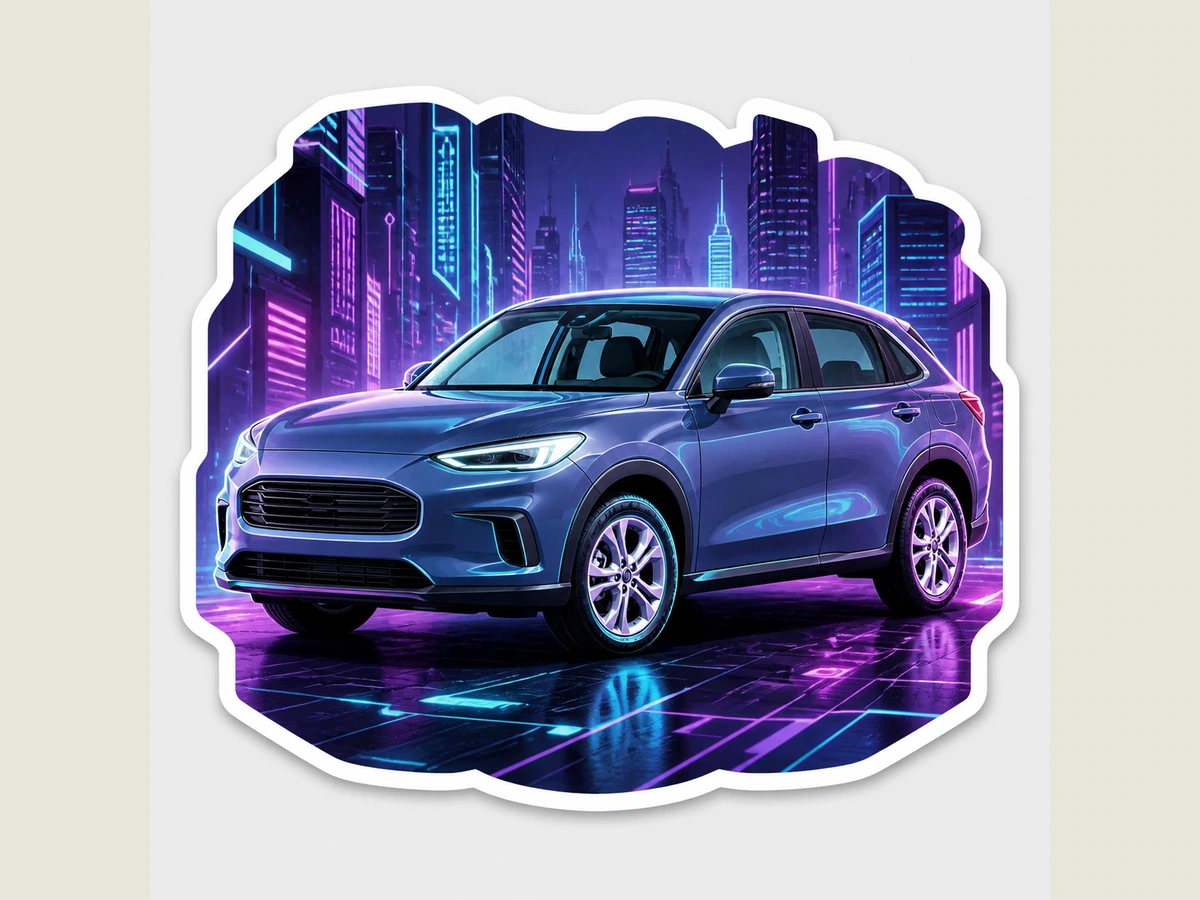
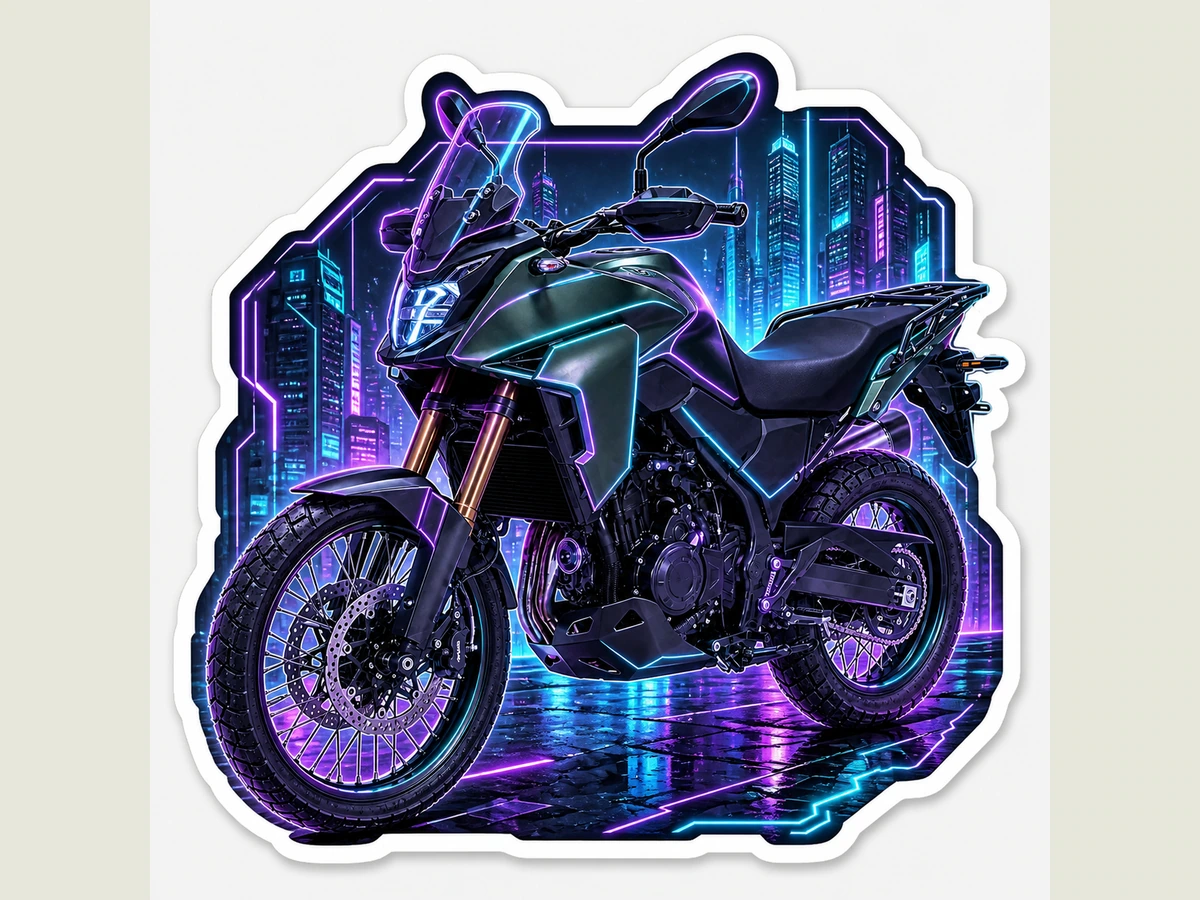
Purple and cyan neon glow with a sleek futuristic tech mood.
Best for: Cities, architecture, vehicles & machinery
Ready
Free preview — no purchase required.
Finished Designs
Select a finished design to add physical stickers to your Studio cart. Each keeps its own size and requested quantity in one order.
Your generated designs will appear here automatically.
Physical stickers use durable vinyl options. Production begins only after a paid order passes the required review.
Free U.S. Shipping on Orders $49+ Shipping threshold uses the post-discount merchandise subtotal. International shipping is available to Canada, Australia, New Zealand, and Singapore. Destination shipping is shown at checkout; delivery timing can vary by carrier, customs, and address. Duties or taxes may apply—duty-free delivery is not guaranteed.
Use only authorized photos and original or permitted artwork. The watermarked preview is not a final production file.